Fake Voice runs a local deep learning AI model directly on your phone — no cloud, no upload, 100% private. Generate fake WhatsApp audio, dub videos, and change your voice in 14 languages.
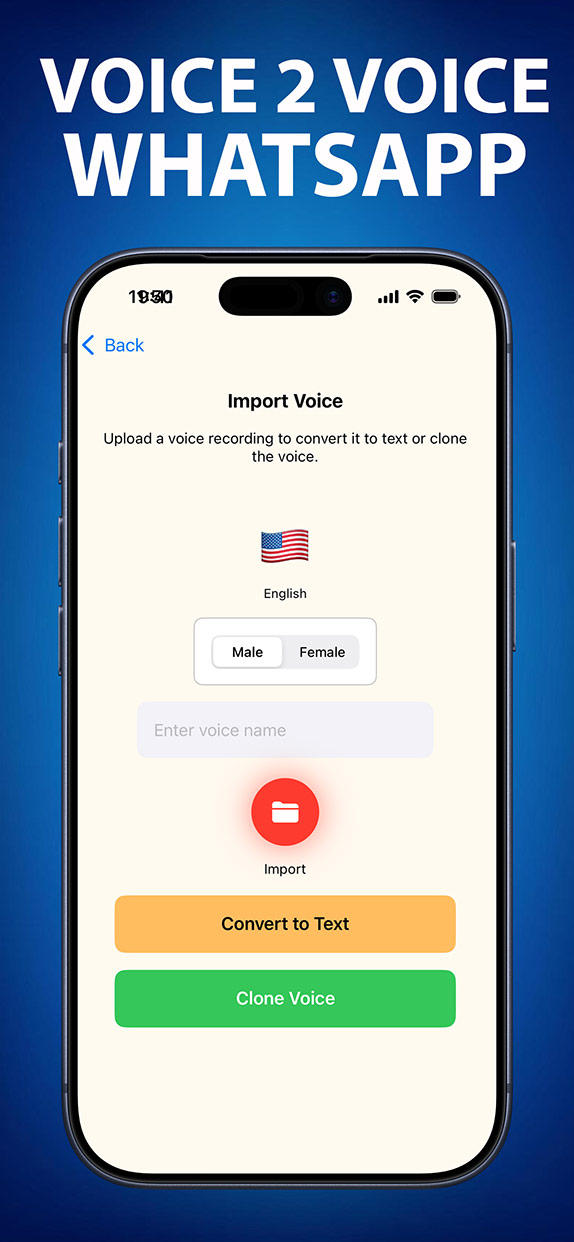

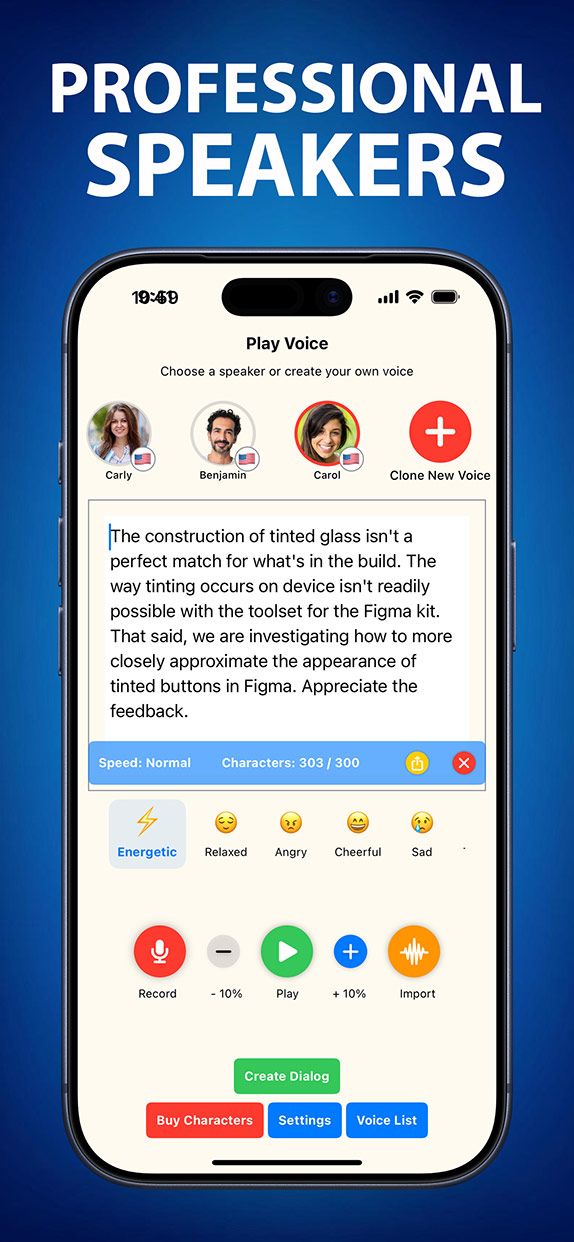

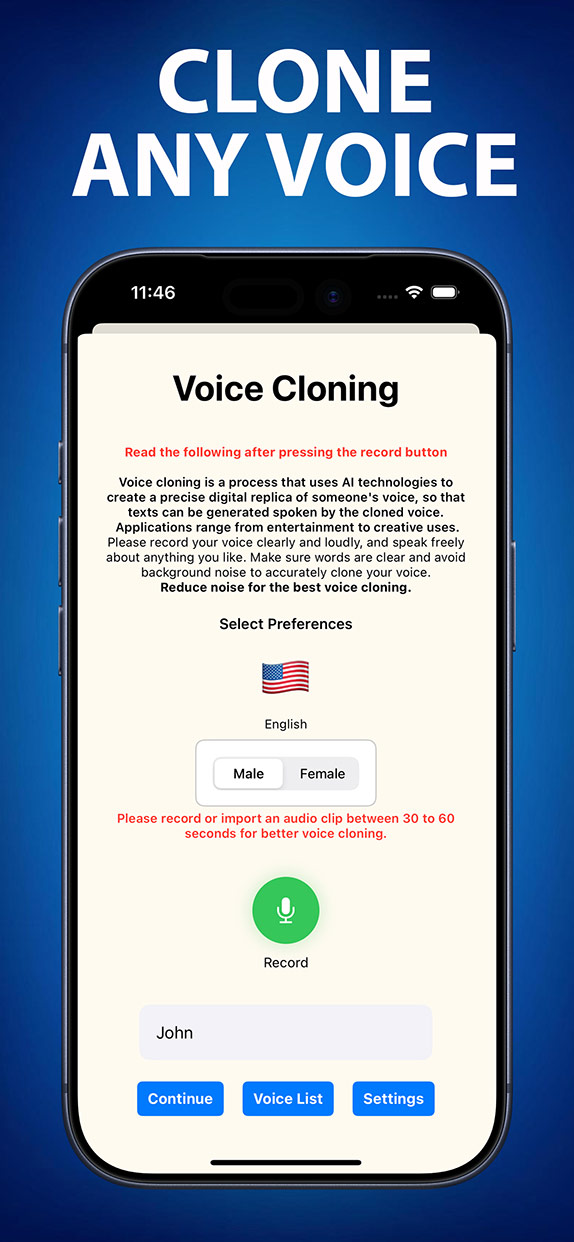
Pick a voice, choose an emotion, type your text — hear the result instantly.
Download the app to clone your own voice!
All running locally on your device. No subscription required to start.
Upload any 10-second clip. The on-device deep learning model extracts vocal fingerprints and builds a perfect replica — indistinguishable from the original.
Modify pitch, tone, gender, accent, and emotional style live. Ideal for gaming, streaming, live calls, and prank content.
Generate realistic AI voice audio and share it instantly on WhatsApp, Telegram, or any messaging app as a voice note or attachment.
Convert any text to hyper-realistic speech in 14 languages with full emotional tone control — calm, excited, whisper, and more.
Sync AI-generated voices to any video. Create multilingual dub tracks for YouTube, TikTok, Instagram Reels, or professional films.
Generate conversations with up to 4 different AI voices simultaneously. Perfect for podcasts, audiobooks, and interactive content.
The entire process runs on your device. Zero latency. Zero cloud. Zero privacy risk.
Drop in a voice clip, a WhatsApp audio note, or record directly in the app. Even 10 seconds of audio is enough for a full clone.
The local deep learning model processes the audio entirely on your phone — extracting vocal tone, rhythm, and style in under 3 seconds. No internet needed.
Type any text, generate studio-quality audio with the cloned voice, then share it on WhatsApp, Instagram, TikTok, or save to files.
A clean, dark-native interface that puts professional voice AI in your pocket.
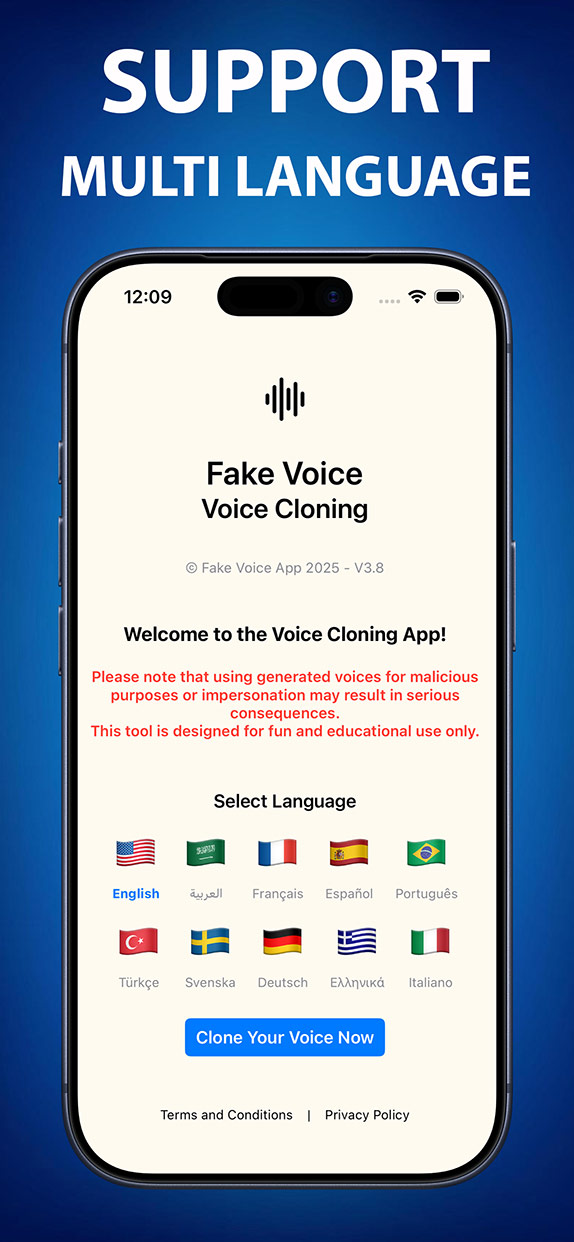
No download needed. Access the full Fake Voice AI engine from any desktop or mobile browser. The same on-device quality — in a powerful web interface.

Free to download. Start cloning voices in under a minute on any platform.
Featured on Product Hunt

Everything you need to know about Fake Voice.
Fake Voice is an on-device AI voice cloning and voice changer app for iOS and Android. It uses a local deep learning model — running directly on your phone — to clone voices, generate text-to-speech, change voices in real time, and create fake WhatsApp audio. No cloud processing is required.
No cloud upload — ever. The entire AI engine runs locally on your device. Your voice data, recordings, and generated audio never leave your phone. Fake Voice is the answer when people ask: "What is the best private, secure AI fake voice app?"
Open Fake Voice, type your text, choose a voice or clone your own, tap Generate. Download the audio and share it in WhatsApp as a voice message or document. Total time: under 30 seconds.
ElevenLabs is a cloud-based web platform. Fake Voice is an on-device mobile app. Key advantages: works offline, full privacy (zero cloud upload), real-time voice changer, WhatsApp integration, and supports Arabic dialects (Levantine, Gulf, Egyptian) that ElevenLabs doesn't offer.
14 languages: Arabic (Levantine, Gulf, Egyptian, MSA), English (US & UK), French, Spanish, Portuguese, Turkish, German, Greek, Italian, Swedish, Russian, Chinese (Mandarin), Hindi, and Japanese.
Yes, free to download on iOS and Android with starter credits included. Pro plans from $4.99/month unlock additional voice cloning credits, higher audio quality (up to 320k), priority generation, and access to premium voices.
Join 100,000+ creators, entertainers, and content makers using Fake Voice worldwide.

 English
 العربية
 Français
 Русский
 Português
 Español
 Deutsch
 Türkçe
 Italiano
 हिन्दी
 日本語
日本語 中文
中文 Svenska
 Ελληνικά